A glowing keyboard opens the world for this second-grader
Northeastern University engineering class enables and empowers individuals with disabilities.

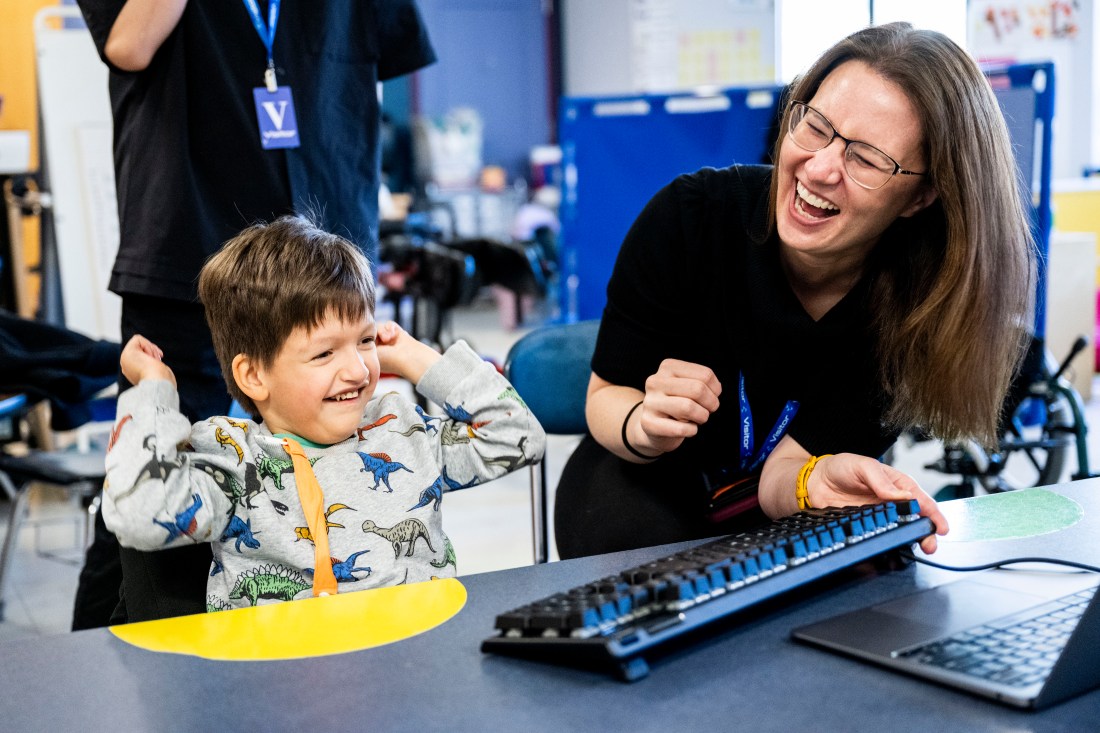
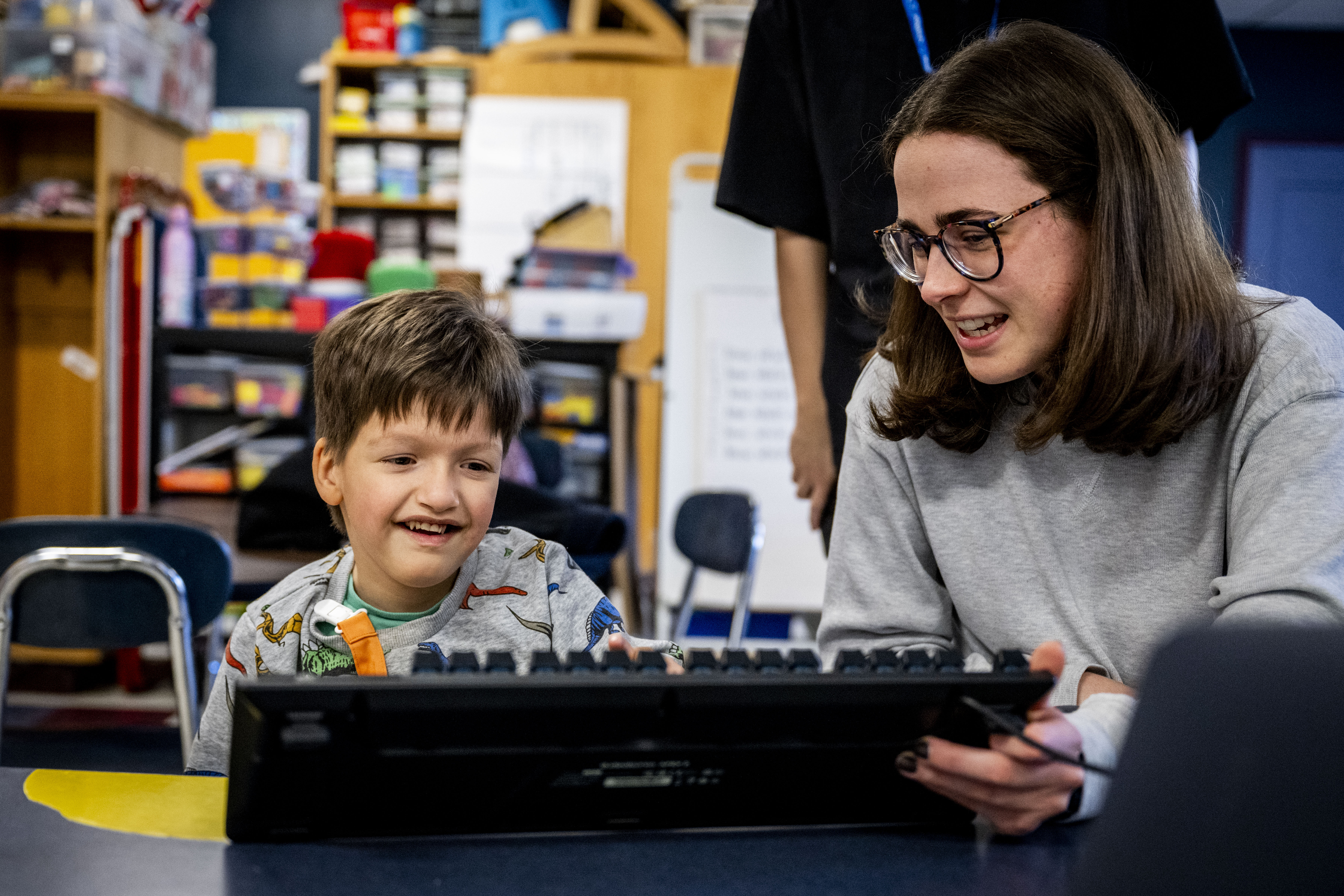
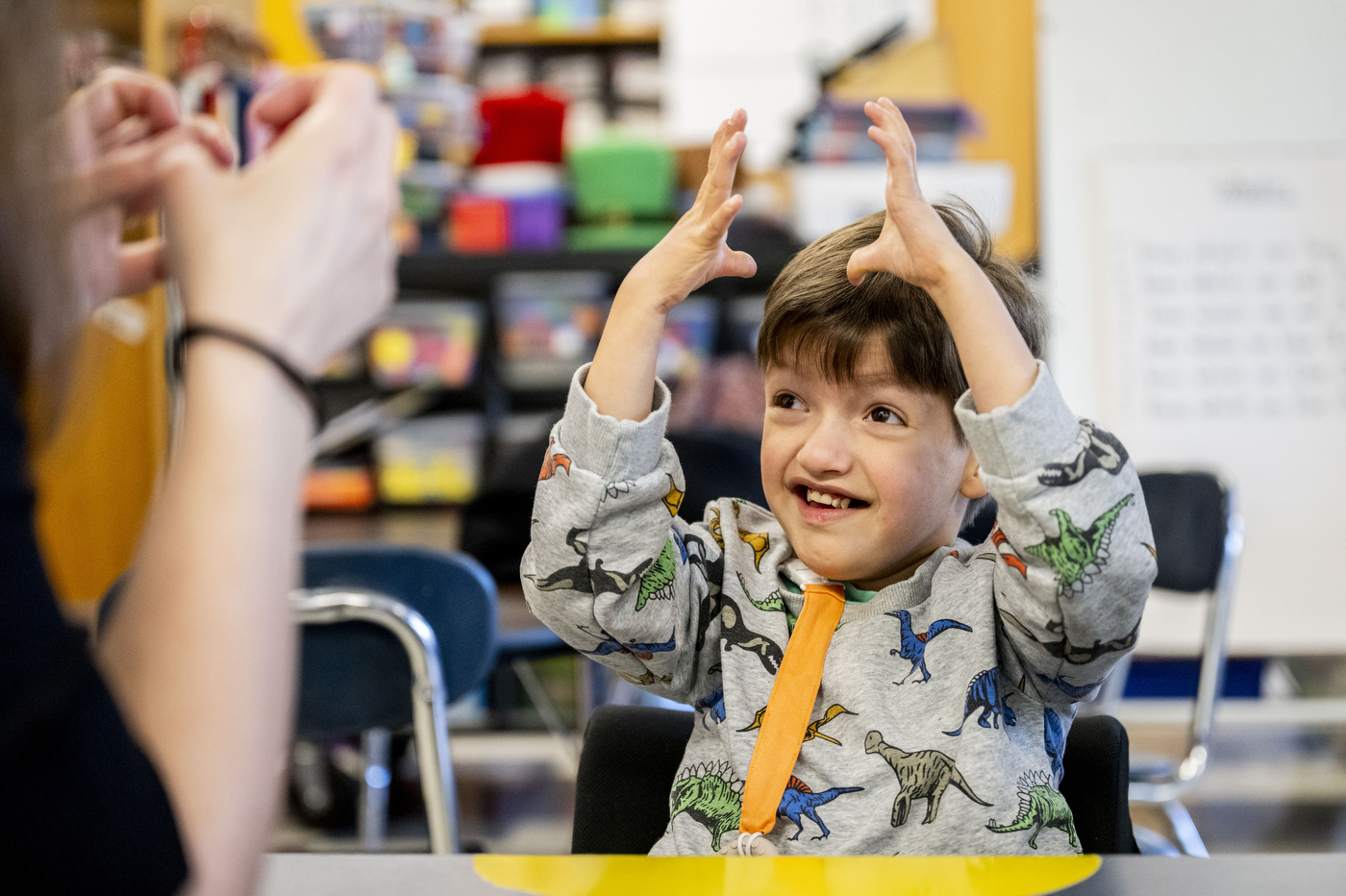
ARLINGTON — Hardy Elementary student Veer loves his cats, writing and technology.
Thanks to a new interactive keyboard from Northeastern University’s Enabling Engineering class, the second grade student can communicate those loves more clearly — and also enhance his typing and spelling.
“The more feedback, more lights, more fireworks, the better,” said Keren Deneny, Veer’s special education teacher. “He loves it.”
Veer was born with a rare genetic disorder and has limited verbal and motor skills. And although the wonderfully smiley 7-year-old uses his eyebrows to great effect, complex communication can be a challenge.
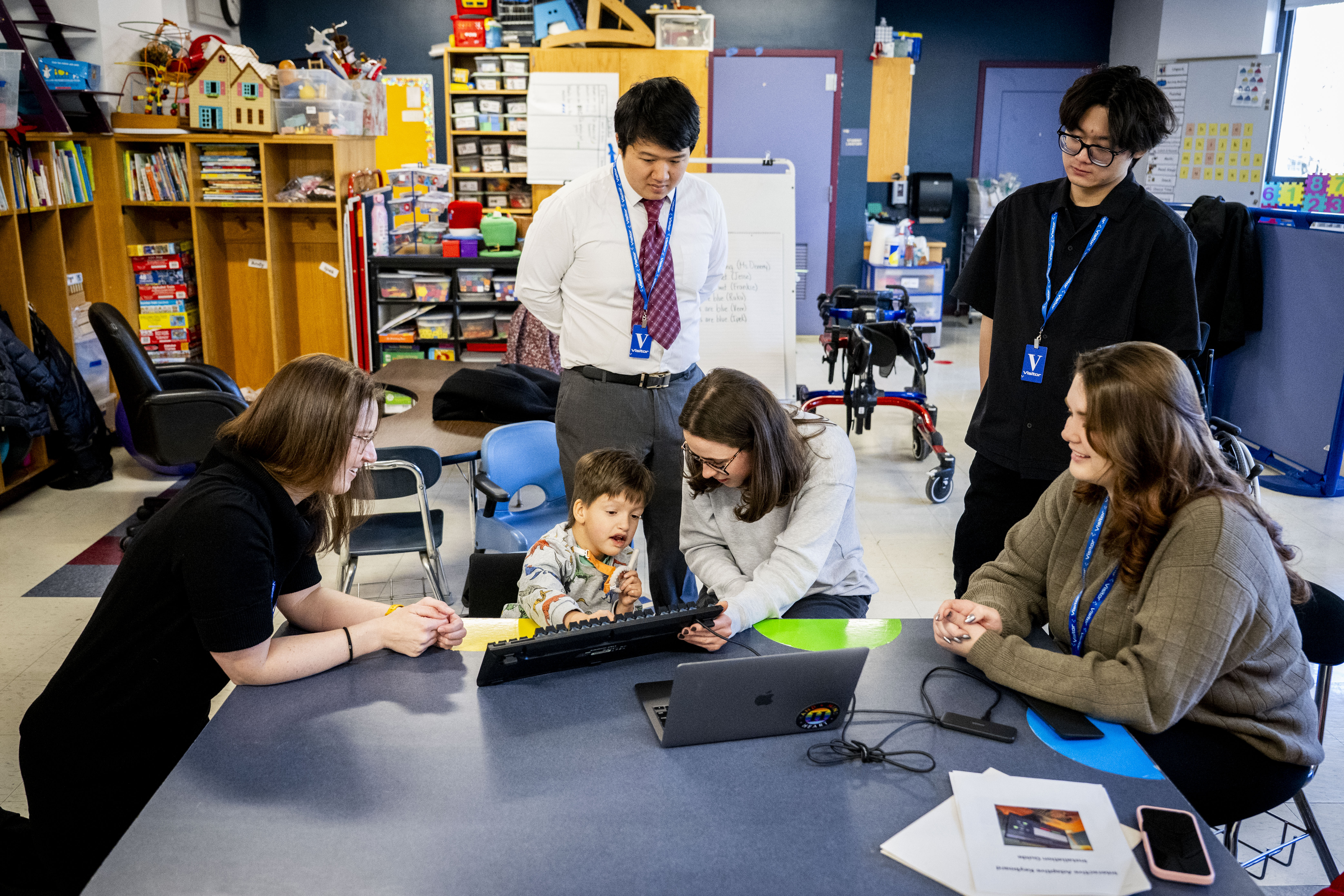
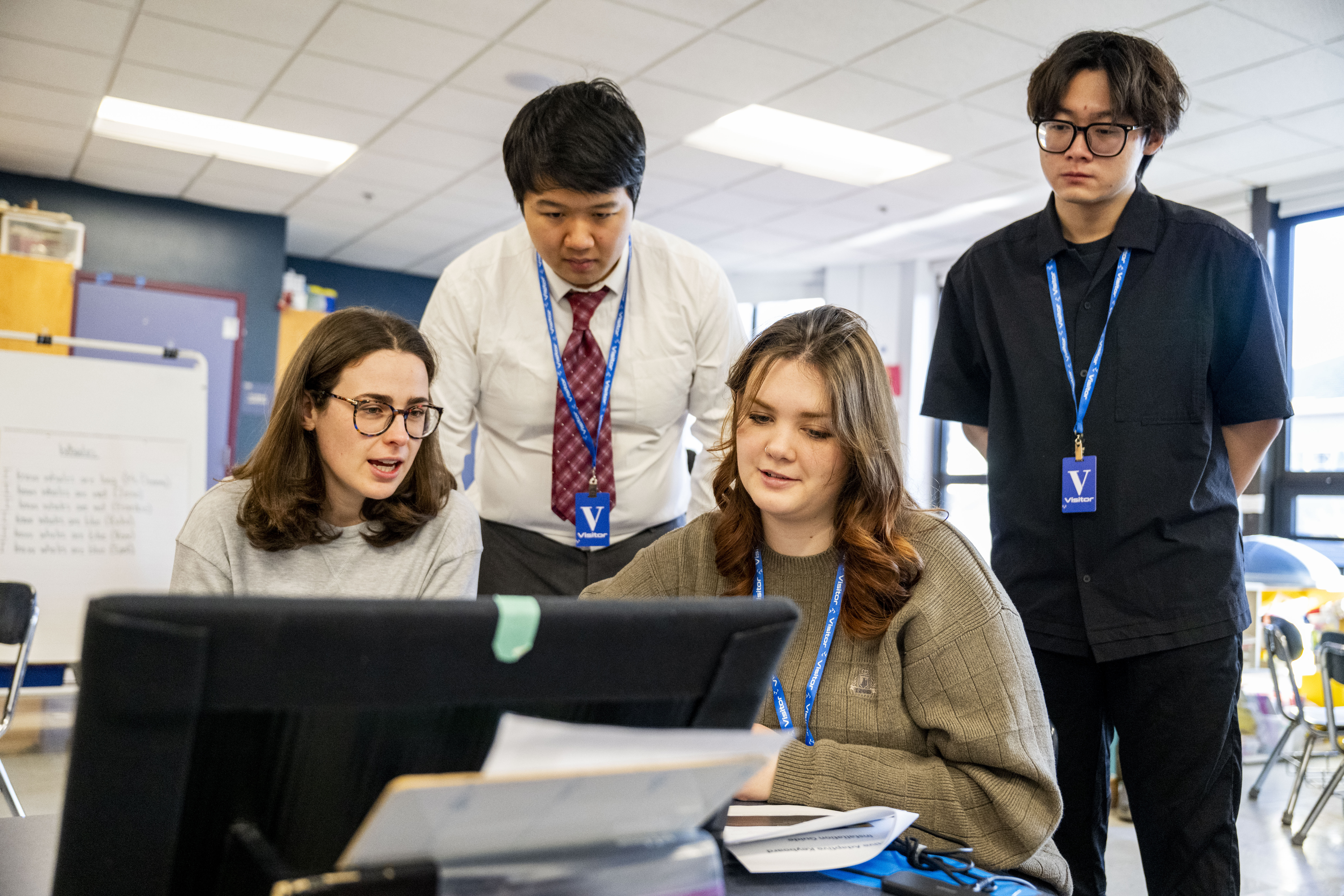
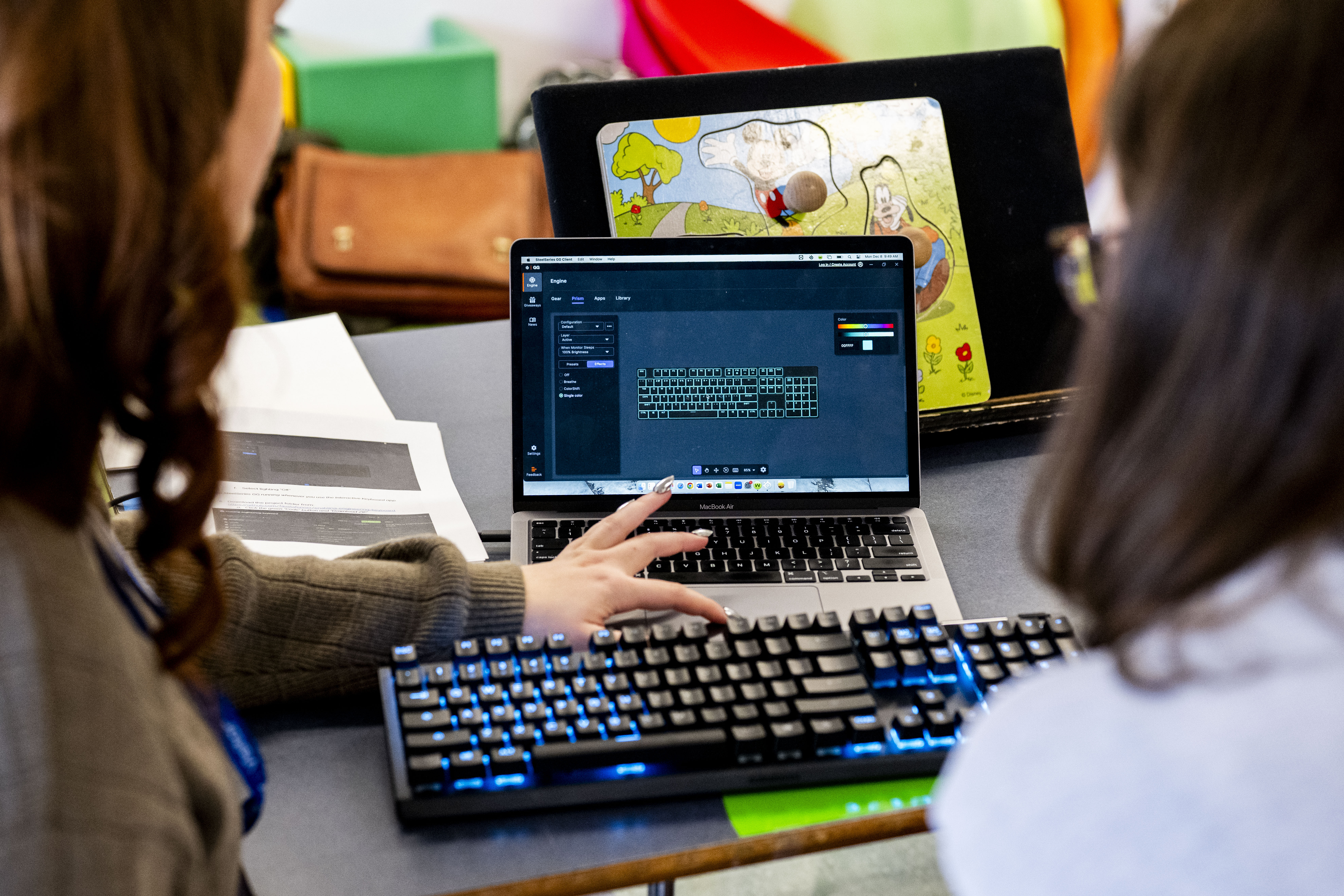

That’s where Enabling Engineering students Yunfeng Xiao, Fausta Fenner and Linhao Jin come in.
The Enabling Engineering class applies engineering to enable and empower individuals with disabilities. In the class, teams of students are paired with clients who have requested everything from a camera mount for a filmmaker who uses a wheelchair to a bow and arrow designed for people with visual impairments.
Veer needed a way to practice his spelling and typing so that he could learn to communicate through a computer or iPad. He knows his letters and his letter sounds, Deneny explained, but the small keys and the array of letters and numbers and command keys on a typical keyboard are difficult for Veer to use.
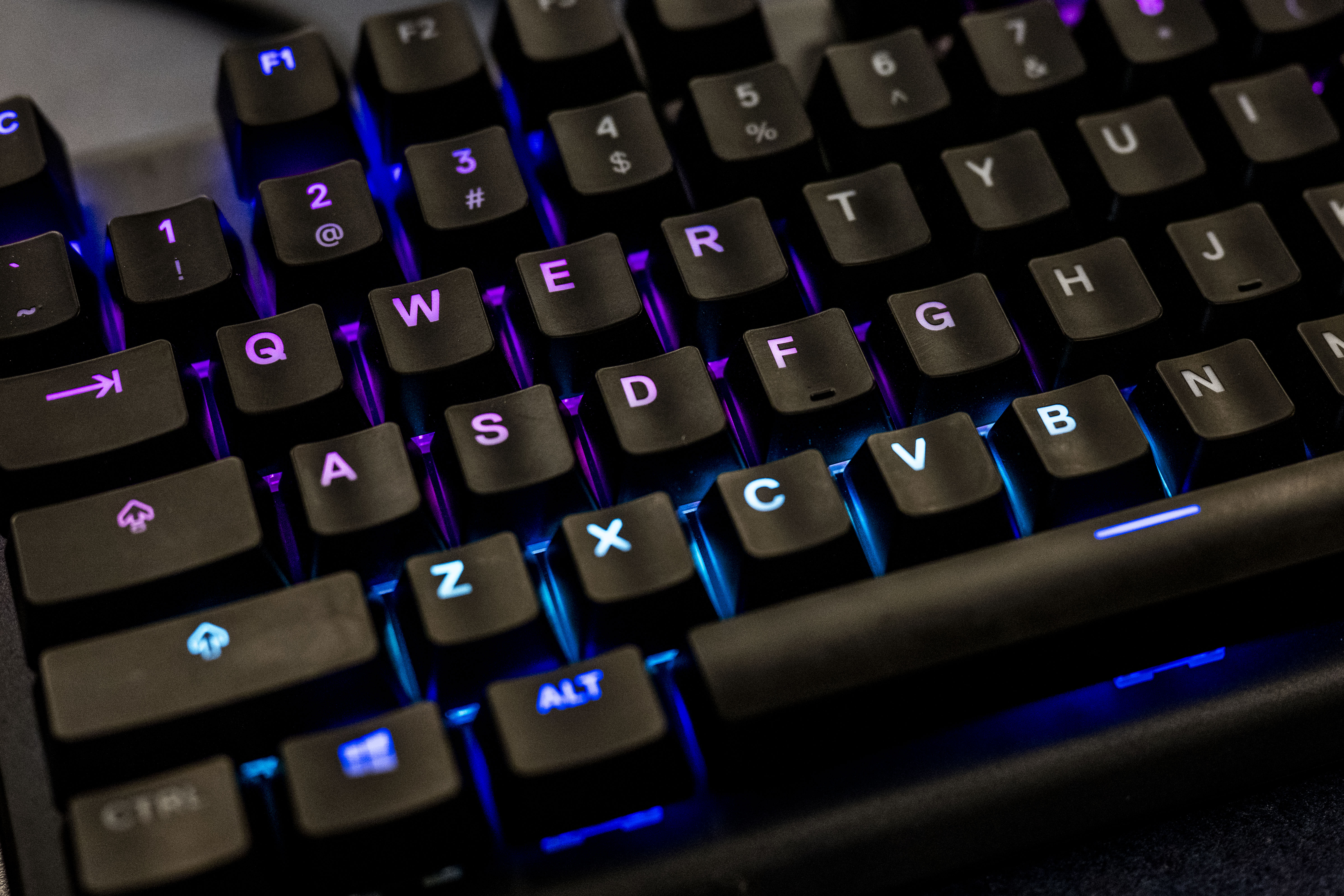
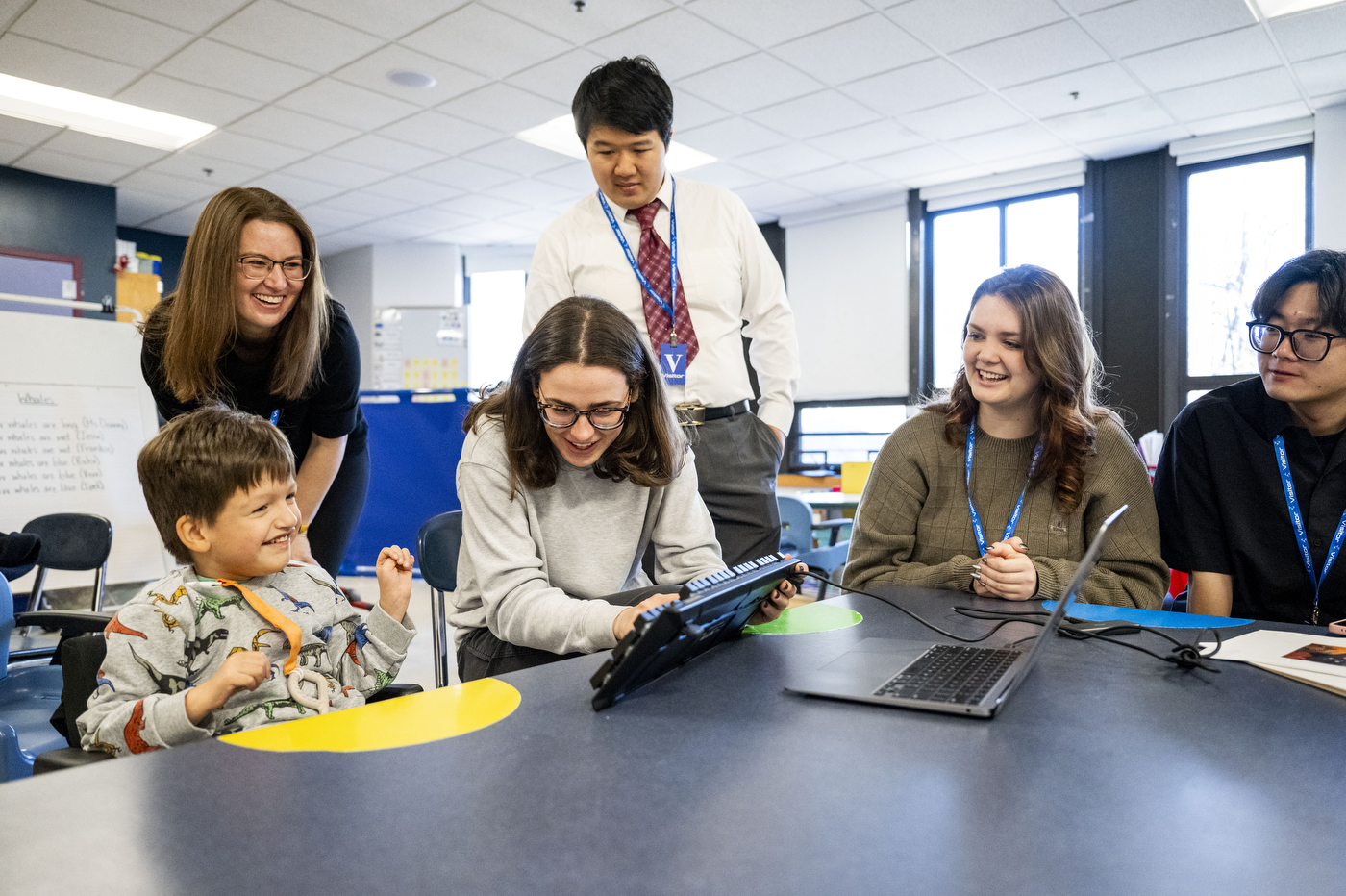
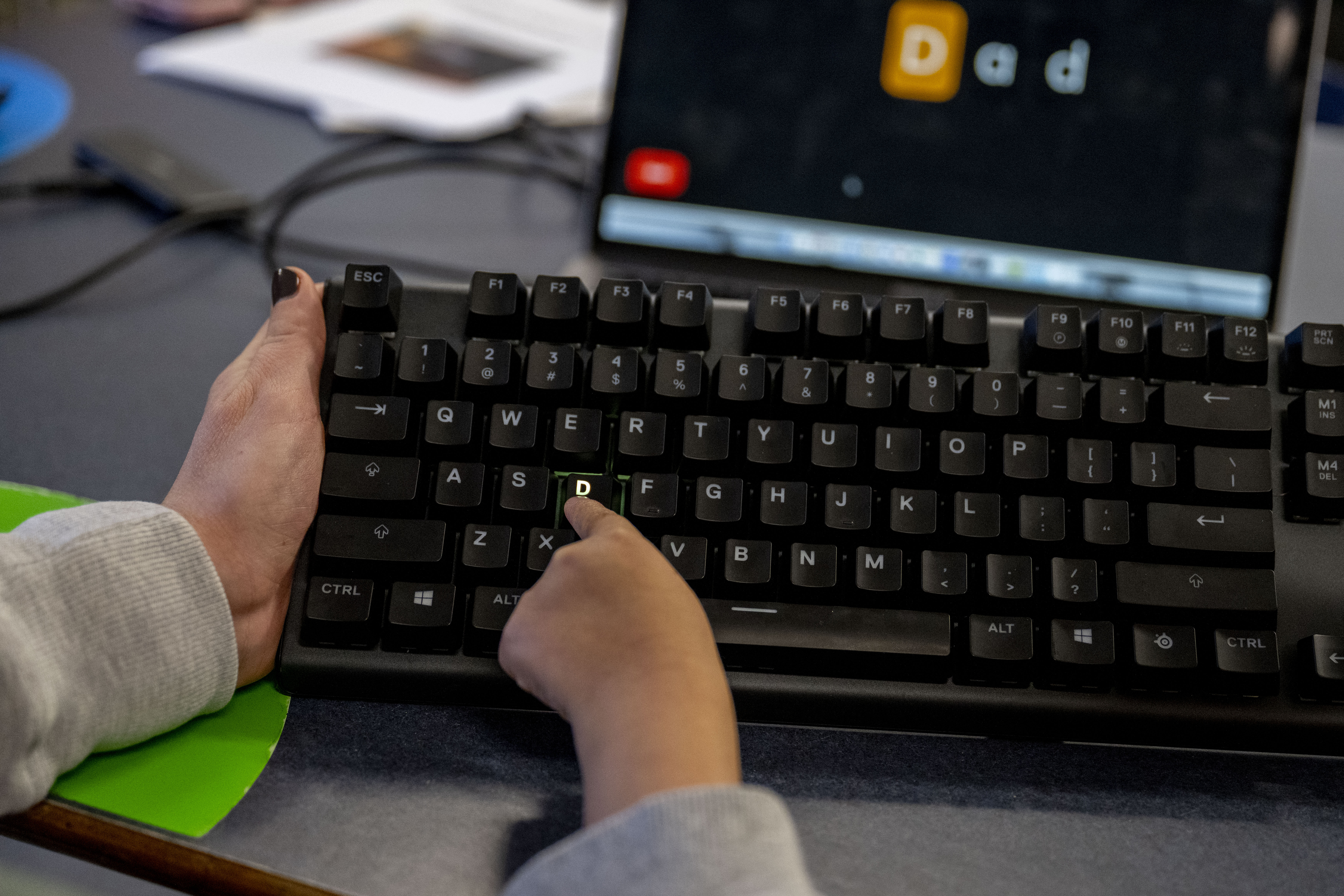
The answer was an interactive adaptive keyboard that lights up individual letters as Veer spells. The keyboard is attached to a laptop where Deneny uses specially designed software to type words and prompt Veer.
Take, for example, the word “cat.” Deneny will type the word into the laptop and the ‘C’ key glows until Veer presses it, whereupon the ‘A’ lights up and Veer presses that key. After Veer successfully spells a word, fireworks burst across the screen.
“We started with a regular keyboard and he would just press all of the keys, then we went with a keyboard where keys were blacked out but they still worked and that wasn’t great,” Deneny said. “Now we have this and it’s so much better!”
As Veer improves his spelling and his typing skills, the keyboard can be changed to light up various regions surrounding the appropriate letter rather than the individual key itself. The software and keyboard also work as Veer spells out longer words, say, Lemonade or Tigger, the names of Veer’s cats, and even sentences. And should Veer prefer another color scheme, that is customizable as well.
Editor’s Picks





The students also incorporated a data-tracking tool at the request of other teachers who saw an earlier iteration of the keyboard, explained Fenner, a fourth-year computer engineering student.
This enables teachers to see which letters take more time for Veer to find, for instance, how long Veer pressed each letter and the length of the words he spelled.
Kristy Johnson, an assistant professor of electrical and computer engineering and of communication sciences and disorders who teaches the Enabling Engineering class, said it was important — and challenging — that the students provide a project that provides for “errorless learning.”
For example, if Veer hits the wrong key or hits multiple keys when trying to spell, the software won’t light up the next letter.
“It doesn’t tell you when you get it wrong, which can be as reinforcing as the work of getting it right,” Johnson said. “The students had to find the ‘just right’ feedback for the ‘just right’ challenge.”
Other challenges included finding and automating font sizes so that a prompt word or sentence could fit on a single screen and still be big enough for Veer to read, designing the software, and finding an appropriately durable and customizable keyboard.
It turns out, however, that gaming software and a gaming keyboard adapted well to the project — although “we destroyed two or so keyboards in the process,” said Xiao.
Jin’s software engineering class was also helpful to the effort, Jin added.
And as Veer spelled out his name and the word “silly,” the students smiled almost as widely as their client.
“In a lot of engineering classes, you don’t usually do projects and if you do, it is not with a real user or a real client, it’s more hypothetical,” Fenner said.
Xiao agreed.
“Engineers deal with real-world problems,” Xiao said. “This is a real-world problem, and you gain experience seeing what you should do while solving a question.”